Every choice made in the banner is saved in a consent log on your own site. It is your proof that visitors agreed, and it is stored without IP addresses.
The consent log
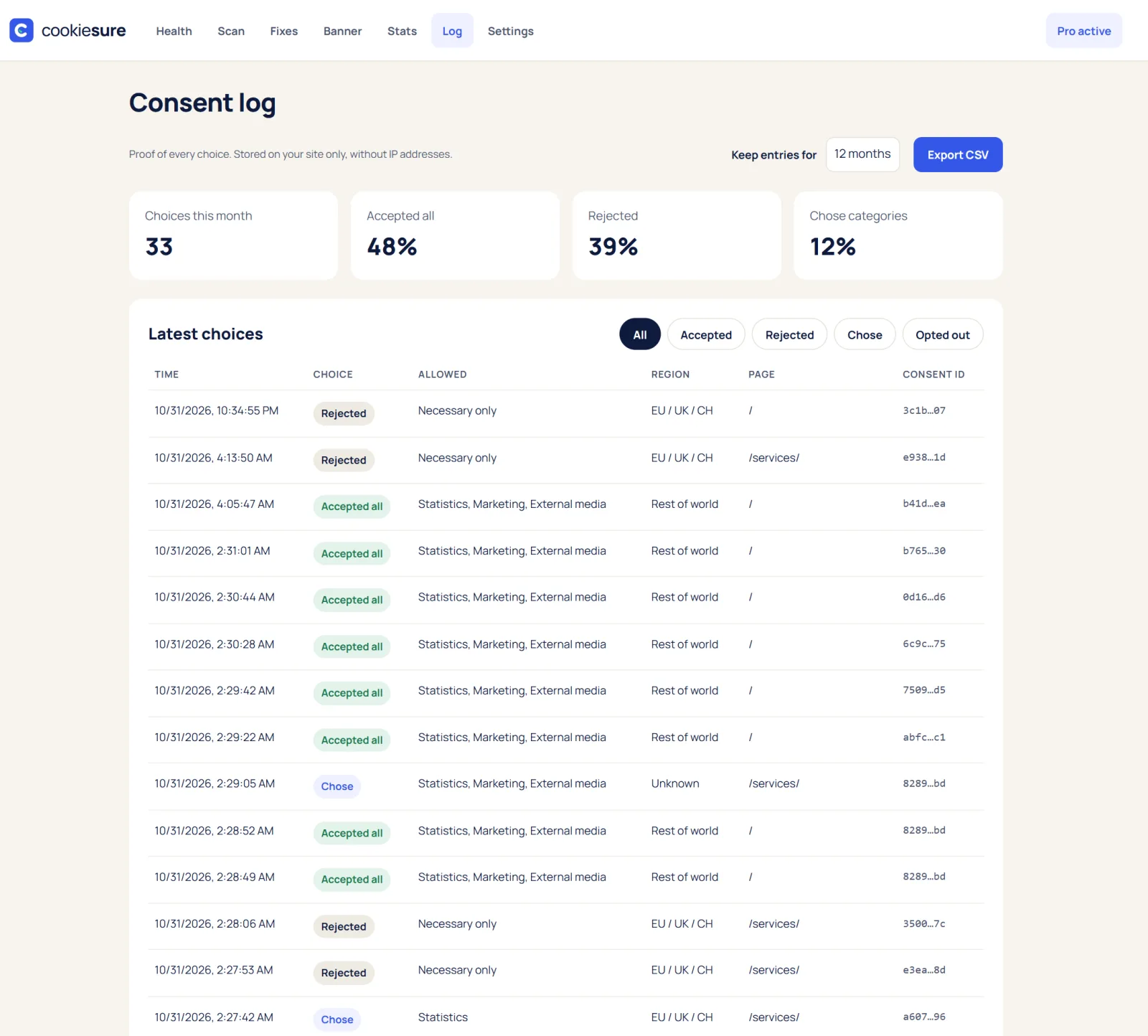
Open CookieSure → Log. Each row shows the time, a random consent ID, the region and the choice: accepted all, rejected, chose categories or opted out.
- Filter by choice to see only one kind of answer.
- Export CSV to keep a copy or answer a request from a regulator.
- Keep entries for 3 months, 6 months, 12 months (default), 2 years or 5 years. Older entries are removed automatically.
The cookie declaration
The cookie declaration lists the services and cookies from your last scan, grouped by category, with the company behind each. Add it to your cookie or privacy policy page:
- In the block editor, add the Cookie declaration block.
- Anywhere else, use the shortcode
[cookiesure_declaration].
Run a new scan after changes to your site so the declaration stays current.
When you need the log
- A regulator or customer asks how consent is collected: export the log as CSV and show your banner settings.
- A visitor asks what they chose: their choice is stored with a random consent ID and the time.
- You change the banner: keep older entries for the period you set, so your proof covers the time before the change.
Put the declaration on the same page as your cookie policy, and run a new scan after site changes so it stays current.
FAQ
Is the consent log enough for GDPR?
It records the choices, which regulators expect you to be able to show. Whether your whole setup meets the law depends on your site, so this is not legal advice.
Can I get a PDF for my records?
A consent proof PDF with your banner, settings history, cookie list and choices is part of CookieSure Pro.
Does the log store IP addresses?
No. Entries are kept without IP addresses, on your own site.